
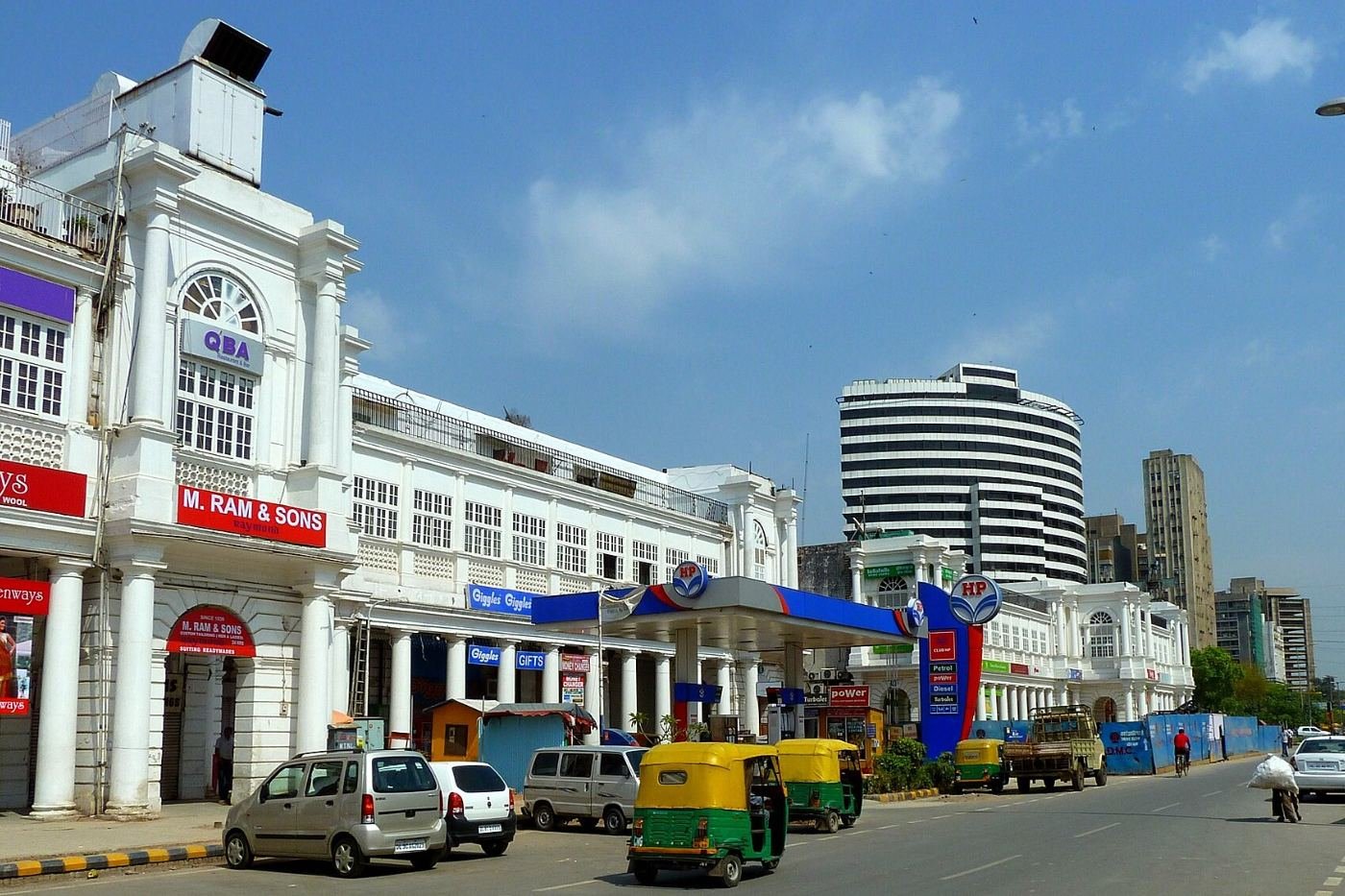
Photo: Connaught Place New Delhi by Vladislav Bezrukov, CC BY 2.0 (cropped)
When someone in Noida searches “AC repair near me” or someone in Dwarka searches “dentist in Dwarka sector 7”, Google shows a map with three businesses at the top — the local pack. Those three spots get a large share of the calls. Local SEO is the work that helps your business earn one of them.
Step 1: Complete your Google Business Profile
Your Google Business Profile (GBP) is the single most important local ranking asset. Make it complete:
- Choose the most accurate primary category (e.g. “Dental clinic”, not just “Doctor”) and add relevant secondary categories.
- Add your exact address, or set a service area (e.g. Noida, Greater Noida, Ghaziabad) if you visit customers.
- List every service with a short description, add opening hours, and upload real photos of your shop, team and work.
- Post updates and offers regularly — it shows Google the profile is active.
Step 2: Keep your name, address and phone consistent
Your business name, address and phone number (NAP) should be identical on your website, Google Business Profile, Justdial, IndiaMART, Sulekha, Facebook and other directories. Small mismatches — “Sec 62” vs “Sector 62”, an old phone number — weaken trust signals.
Step 3: Target local keywords on your website
Think the way your customers search. A few examples from across Delhi NCR:
| Business | Local keyword examples |
|---|---|
| Dental clinic | dentist in Dwarka, best dental clinic Janakpuri |
| Chartered accountant | CA in Laxmi Nagar, GST registration Noida |
| Gym | gym in Indirapuram, fitness centre Sohna Road |
| Interior designer | interior designer in Gurgaon, modular kitchen Faridabad |
| Coaching institute | NEET coaching in Laxmi Nagar, IELTS coaching Noida |
Use these naturally in page titles, headings, service descriptions and image alt text — never stuff them.
Step 4: Create location pages for each area you serve
If you serve multiple cities, give each one its own page with genuinely useful, specific content — the localities you cover, local projects, FAQs and directions. That is why we have separate pages for Noida, Gurgaon, Ghaziabad and Faridabad. Copy-paste pages with only the city name changed don't help.
Step 5: Earn genuine reviews — and reply to them
Reviews influence both rankings and whether people call you. Ask happy customers for a review right after the job, share a direct review link on WhatsApp, and reply to every review — positive or negative — politely. Never buy fake reviews; Google removes them and can suspend your profile.
Step 6: Make your website fast and mobile-friendly
Most local searches in Delhi NCR happen on phones, often on mobile data. Compress images, avoid heavy sliders and make the phone number and WhatsApp button easy to tap. Adding LocalBusiness schema markup helps Google understand your business details.
Mistakes that hurt local rankings
- Stuffing keywords into your business name on Google (e.g. “Sharma Dental Best Dentist Delhi”) — this is against Google's guidelines.
- Creating multiple listings for the same location.
- Using a virtual office address where you don't actually operate.
- Ignoring negative reviews instead of responding.
How long does local SEO take?
It depends on your category and competition. Less competitive local searches can improve within weeks; competitive categories in central Delhi or Gurgaon can take several months of consistent work. Be wary of anyone who guarantees a #1 position — no one controls Google's rankings.
Frequently Asked Questions
Is Google Business Profile free?
Yes. Creating and managing a Google Business Profile is free. You only pay if you choose to run Google Ads alongside it.
Can I rank in multiple Delhi NCR cities with one address?
Your map listing ranks best near your actual address. To reach other cities, use location pages on your website, service-area settings, and Google Ads targeted to those areas.